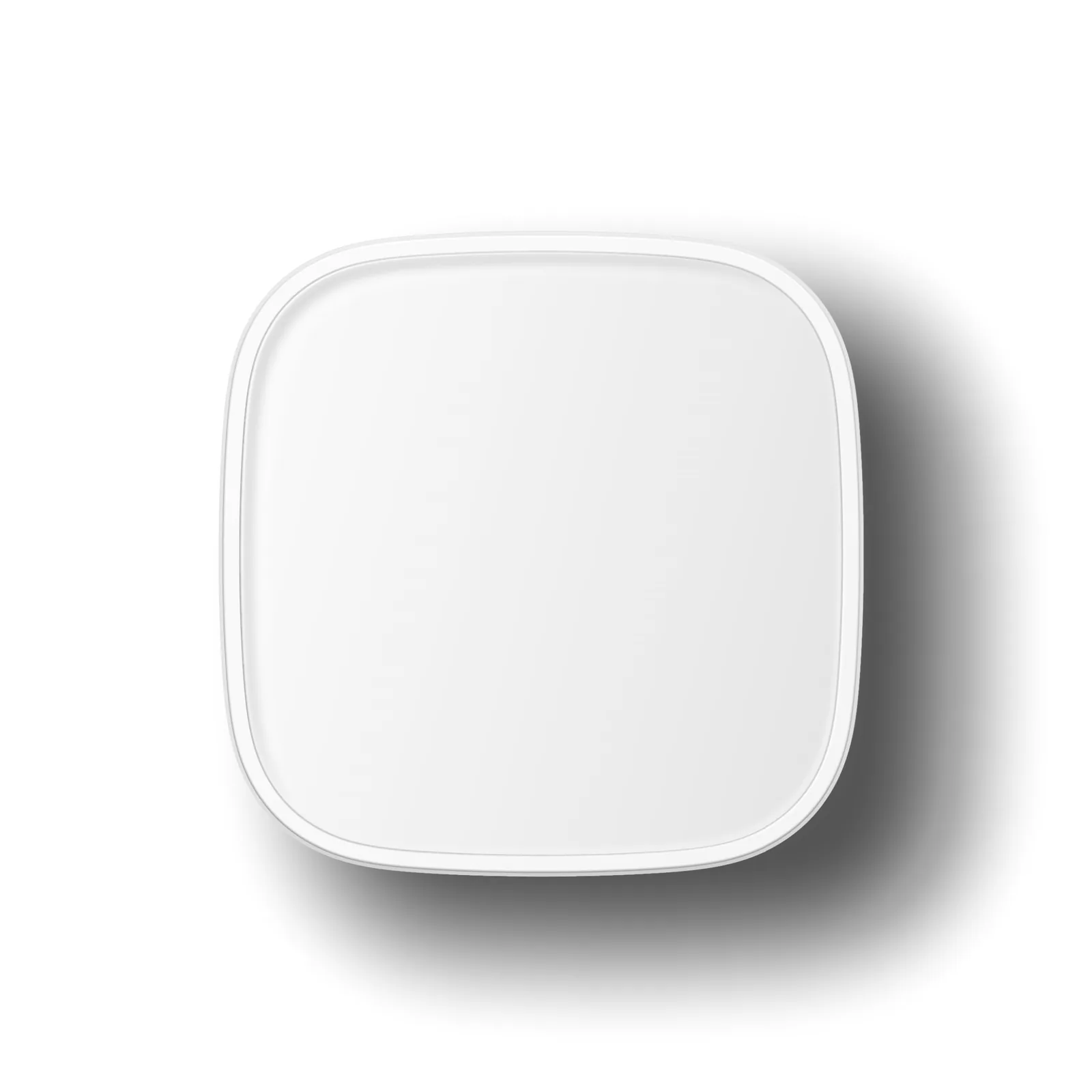
Smart SecuritySmart Sensor
Scenario Button
Price on request
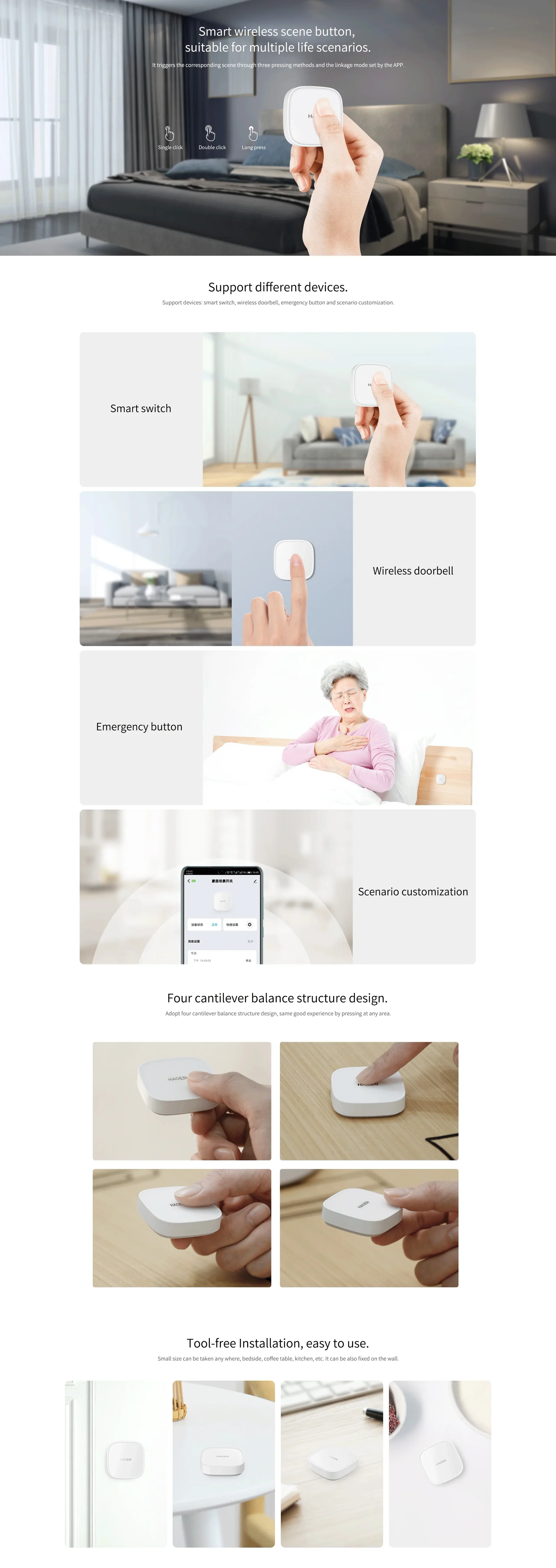
It triggers the corresponding scene through three pressing modes, including the linkage mode set by the app.
With four cantilever balance structures, it has better pressing experience in each position.
Support multi functions: doorbell, emergency button, appliances control, customize setting.
It is ready to use after being placed or pasted without installation tools; It can control many devices with one click to implement customize settings.
Datasheet
Specifications, brochure and manual for the Scenario Button.
Features
- Smart wireless scene button, suitable for multiple life scenarios
- Support devices: smart switch, wireless doorbell, emergency button and scenario customization
- Four cantilever balance structure design
- Tool-free Installation, easy to use
- Configure in the app and run with a single tap
Parameters
- Power supply: DC3V, CR2032 battery*1pc
- Communication mode: Zigbee 3.0 protocol, networking through the gateway, transmission distance of 150m (open environment)
- Trigger mode: click, double-click and long press
- Installation method: 3M glue, directly placed on the desktop
- Support low voltage reminder
- Shell material: PC+ABS
- Operating temperature: -10℃ ~ +55℃,Working humidity: 5-95%RH
- Standby time: 1 year (triggered 30 times per day)
Brochure
Open a sheet to view it full size.